


title shape Automate the Repetition title shape

G ood automation handles the predictable parts of work so people can spend more time on exceptions, relationships and decisions. INNO connects conversations, CRM events, forms, calendars and internal actions into workflows that move information without requiring someone to remember every step.


hero-shape-4-1 hero-shape-4-2

Conversational systems can answer common questions, guide visitors toward relevant services, collect information and hand off to the appropriate person or workflow. We design them around the website’s actual content and business rules—not a generic chatbot personality with access to the entire internet.
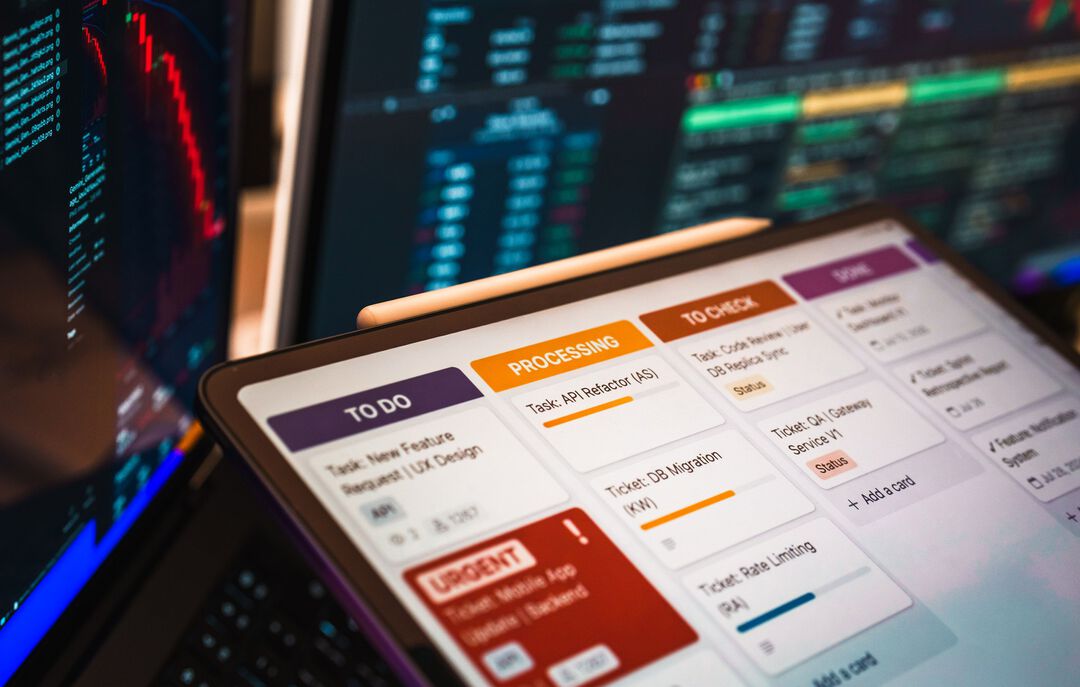

Workflow Automation

* Lead Response * Website Chat * Qualification * Appointment Confirmations * Reminders * Nurture Sequences * Review Requests * Pipeline Tasks * Internal Alerts * Customer Onboarding * Recurring Information Collection * Lead Response * Website Chat * Qualification * Appointment Confirmations * Reminders * Nurture Sequences * Review Requests * Pipeline Tasks * Internal Alerts * Customer Onboarding * Recurring Information Collection * Lead Response * Website Chat * Qualification * Appointment Confirmations * Reminders * Nurture Sequences * Review Requests * Pipeline Tasks * Internal Alerts * Customer Onboarding * Recurring Information Collection

Workflow Architecture

work process shape
STEP

Trigger

STEP

Conditions

STEP

Action

STEP

Data Update

STEP

Human Checkpoint

When Needed

If Your Team Does It the Same Way Fifty Times a Week, We Should Probably Talk.

Not everything should be automated. The repetitive, rules-based parts are a good place to look first.

What business tasks are easiest to automate first?

High-frequency, rules-based tasks with clear inputs and outcomes are usually the best starting point: lead notifications, appointment reminders, data routing, follow-up tasks and standard information requests.

Can a website chatbot answer questions using information from my business?

Yes. A business chatbot can be designed around approved website content, knowledge sources and specific instructions. The scope should be controlled so it answers what it knows and escalates what it does not.

Can automation send email and SMS after someone fills out a form?

Yes, where the communication tools and consent requirements support it. A form submission can trigger CRM creation, notifications, email/SMS sequences, tasks or scheduling actions based on the workflow.

Will automation replace my staff?

The better objective is usually to remove repetitive work and missed handoffs. Automation can handle predictable actions while employees focus on complex conversations, judgment, service and relationship-building.

How do you prevent an automated workflow from doing the wrong thing?

Use explicit conditions, permissions, test scenarios, logging, stop rules and human checkpoints for higher-risk actions. Automation should be observable and reversible where the process requires it.